
Saver City
A savings app that builds a town
Skip the small stuff.Watch your town grow.
Type or say “skipped a latte”. Saver City turns it into an amount, moves you closer to your savings goal, and pays you coins to build a 3D town.
Free. No ads. No account.
- 1 line
- is all it takes to log a skip
- 18
- kinds of buildings to build
- 5
- eras, from village to megacity
- 0
- ads, subscriptions or paid extras
Why it sticks
Budget apps count what’s gone. Saver City counts what you kept.
A snack here, a coffee there, and the month’s money quietly disappears. Writing down every expense is tiring, so most budgets stop after a week. Saver City never asks what you spent. You only log the moments you said no.
- No receipts to scan and no categories to sort
- Every skip adds up toward your goal
- No streaks to lose. Skip a day and nothing breaks
How it works
One line in, a small reward out
- 1
Say what you skipped
Type it or tap the mic and say it. Your usual skips are buttons: once you set a price, one tap logs them.
Skipped a latte
- 2
AI turns it into an amount
If you mention a price, Saver City uses it. If not, it estimates a typical price in your currency. You can fix any entry.
- Café
- Convenience store
- Vending machine
- 3
Your goal gets closer, your town grows
The amount goes toward your goal and the days left shrink. It also becomes coins, about one for every 10 cents you skip.
Coins for houses, shops and parks
Every coffee you skipbecomes a brick in your town.
Your town
Each day you log is a year in your town
Spend coins on 18 kinds of buildings. Houses grow taller near shops and nature, four shops in a row become a shopping street, and your town moves through five eras as the years pass.
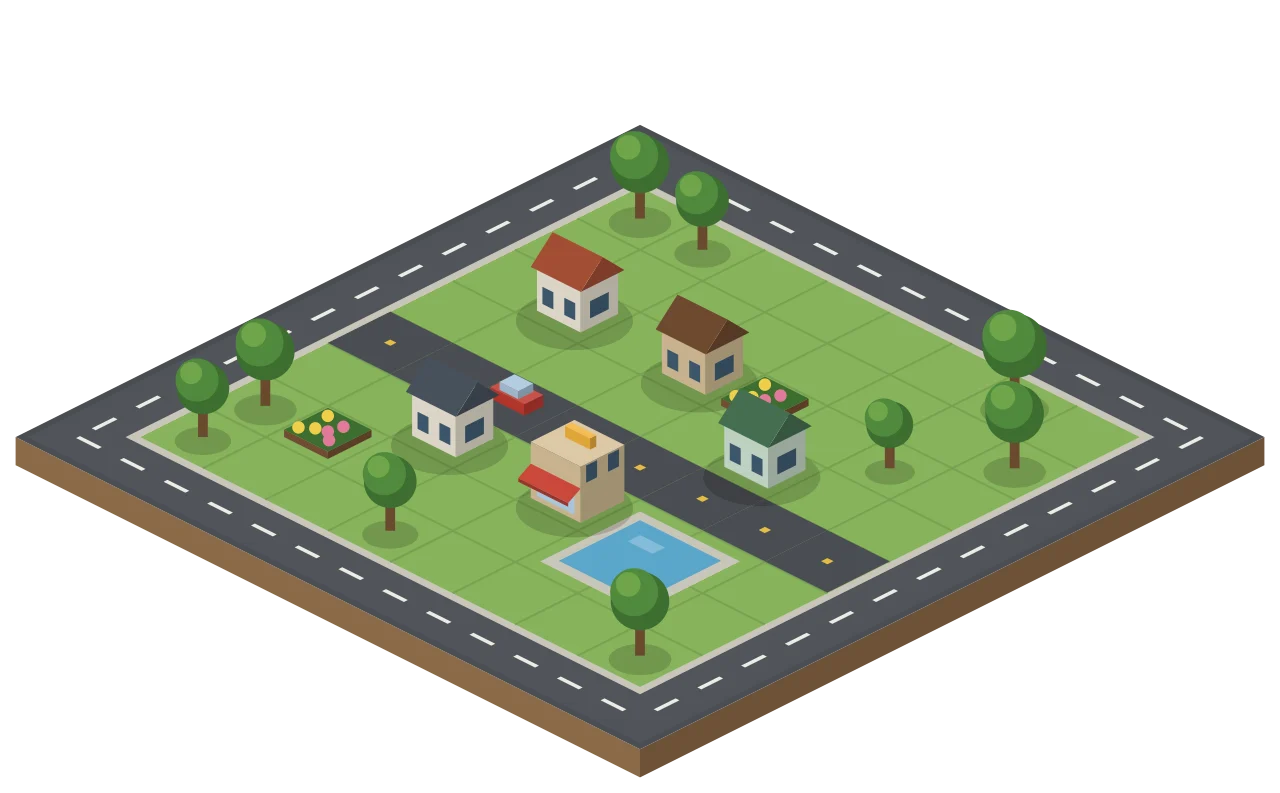
Village
Year 0Your first lot: a few houses, trees and a pond.
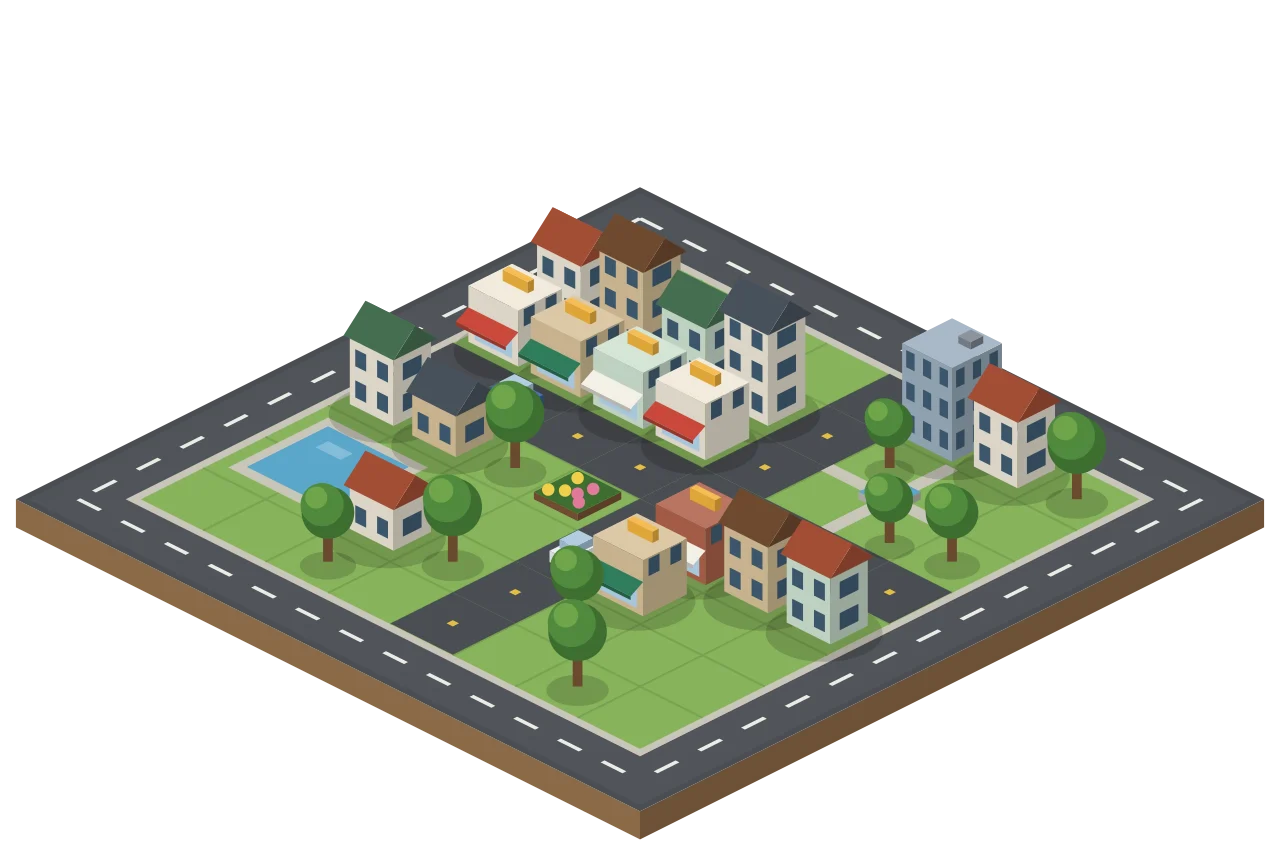
Town
Year 10Roads, shops and cafés. Shopping streets and housing blocks unlock.
City
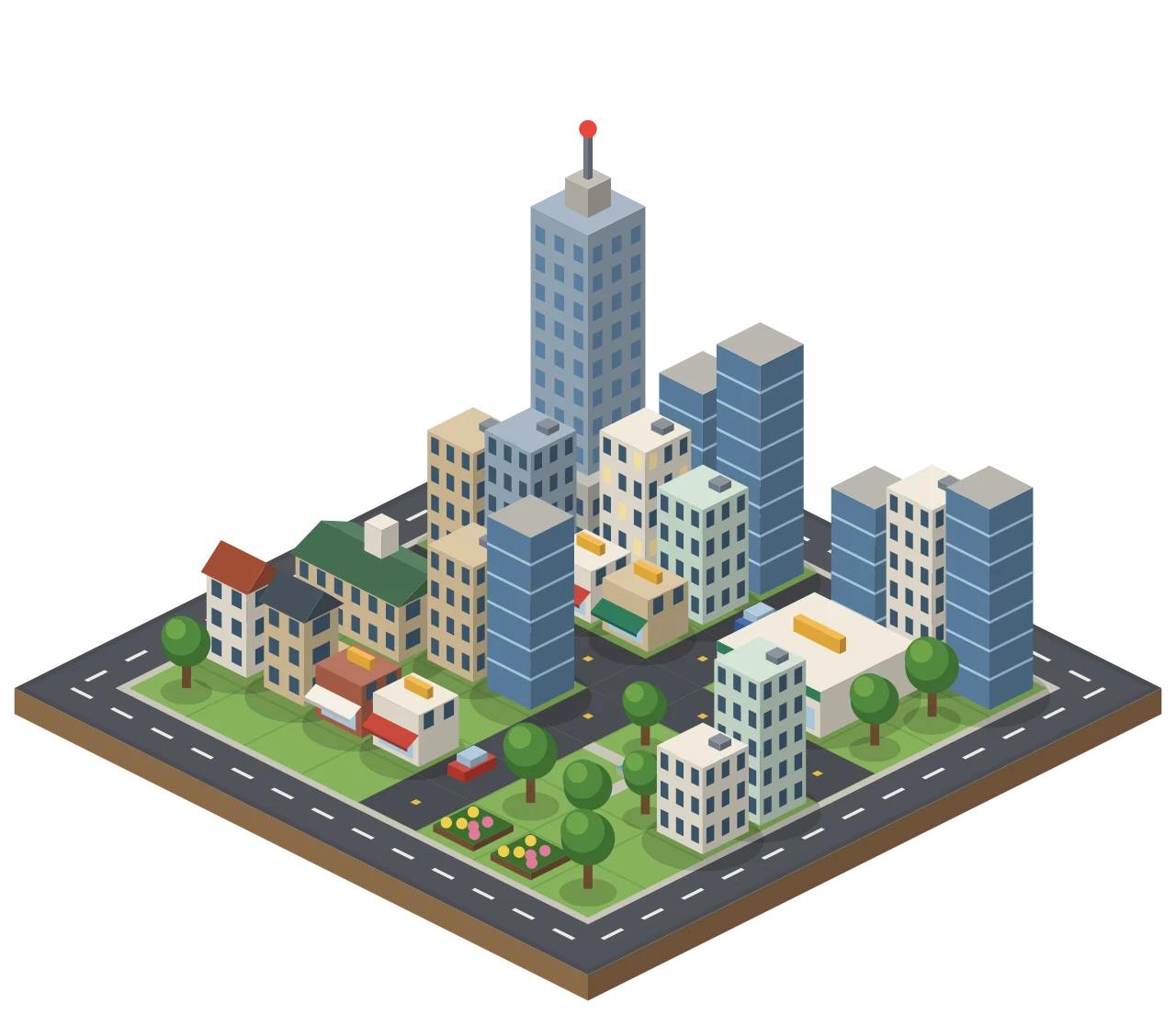
Year 30Apartments, offices and a tower. Malls unlock, and the metropolis and megacity come later.
Illustrations. In the app, your town is 3D: rotate it, zoom in, and watch people walk and cars drive.
What else you get
Small habits, kept going
See the day you reach your goal
Set an amount and an optional deadline. Saver City predicts the date from your last 14 days and shows how many days sooner you’d get there by skipping a little more.
Put impulse buys on cooldown
Want new earbuds? Put them on cooldown instead. Wait a set time, until you’ve skipped that much, or until you reach your goal. If you decide not to buy, the price is logged as a skip.
Log by voice
Tap the mic and say what you skipped. Saver City shows the words as you speak and logs them when you stop.
Visit other people’s towns
Your town appears in Towns under a random username. Send Likes to towns you enjoy and get a notification when someone likes yours.
Peace of mind
Free, no ads, and your log stays on your phone
Free, with nothing to buy
No ads, no subscriptions and no paid extras.
No account
Open the app and start. No email and no sign in.
Your log stays on your phone
Skips, goals and your town are saved on your device. Only the line you type or say is sent to our server and an AI service to read the amount. Our server doesn’t keep it.
You choose who sees your town
Your town is public in Towns by default. Change your username or make your town private in settings.
FAQ
Questions before you start
Is Saver City free?
Yes. There are no ads, no subscriptions and nothing to buy inside the app.
Do I have to track what I spend?
No. Saver City only records what you skipped. It never asks what you spent.
How does the AI know the price?
If your line includes a price, it uses that. If not, it estimates a typical price in your currency. If it can’t, it asks you to enter the amount. You can edit any entry. The AI reads up to 50 lines a day, and buttons with a saved price don’t count toward that.
What are coins for?
Coins are only for building your town. You earn about one coin for every 10 cents you skip. Spending coins doesn’t lower the amount saved toward your goal.
Does Saver City move or hold my money?
No. It doesn’t connect to your bank. It counts what you skipped so you can see your goal getting closer.
Can other people see my town?
By default, yes. Others see your username, coins, population, your 3D town and its Likes. You can change your username or make your town private in settings.
Which currency does it use?
The currency of your device’s region, set the first time you open the app.
Which languages are supported?
Saver City is available in 20 languages, including English, Spanish, French, German, Japanese, Korean and Chinese.
Your next skipped coffeecould be a house.
Saver City is free, with no ads and no account.